
TXT to MP3 Converter – Convert Text Files to Audio Online
Transform TXT documents into high-quality MP3 audio with natural-sounding AI voices.
“Turn written text into clear, natural-sounding audio with the Transfonic TXT to MP3 Converter. Whether you're converting notes, articles, study materials, scripts, or ebooks, this tool helps you transform plain text files into high-quality MP3 audio for listening anytime, anywhere. Fast, accurate, and easy to use, it makes content more accessible and convenient for learning, productivity, and multitasking.”
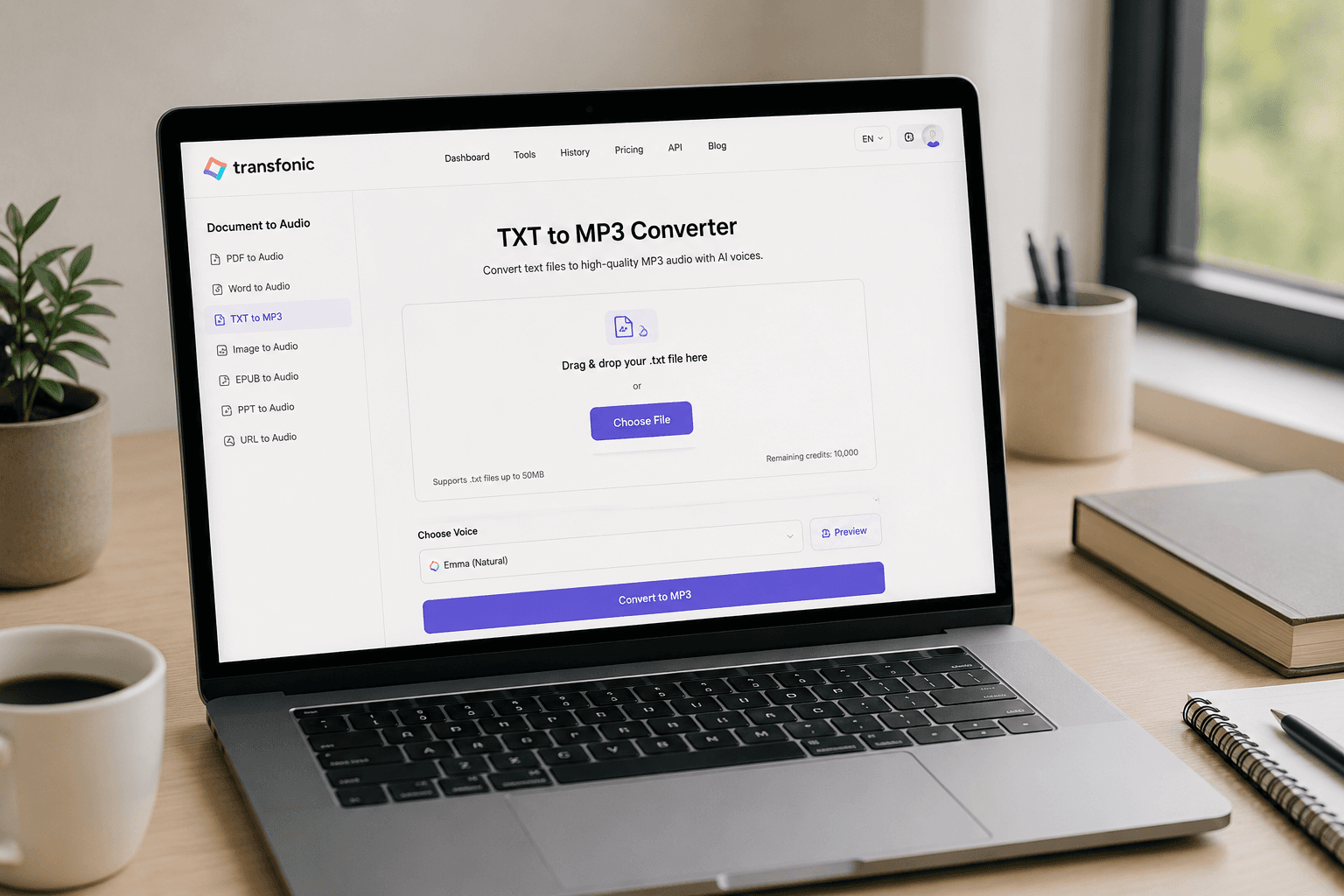
The TXT to MP3 Converter by Transfonic is a simple yet powerful tool designed to transform plain text files into high-quality audio. Instead of reading lengthy documents on a screen, users can convert text into MP3 format and listen to the content whenever it is most convenient. This makes written information more accessible, portable, and easier to consume across different devices.
Whether you are a student reviewing study materials, a professional listening to reports, a content creator repurposing written content, or someone who simply prefers audio over reading, the TXT to MP3 Converter offers a practical solution. Upload a TXT file, select your preferred voice, and generate an MP3 audio file within seconds. The process is straightforward and requires no technical expertise.
One of the key benefits of converting TXT files to MP3 is improved accessibility. Audio versions of text help individuals with visual impairments, reading difficulties, or busy schedules consume information more effectively. Listening to content while commuting, exercising, or performing other tasks allows users to maximize productivity and make better use of their time.
Transfonic uses advanced text-to-speech technology to produce clear and natural-sounding voices. The generated audio is easy to understand and suitable for a wide range of use cases, including educational content, business documents, personal notes, articles, and ebooks. Users can choose from available voice options to create an audio experience that matches their preferences.
The tool is entirely web-based, eliminating the need to install software or download complicated applications. Simply access the converter from your browser, upload your TXT document, and generate an MP3 file that can be downloaded and played on smartphones, tablets, laptops, and other audio-enabled devices.
Privacy and convenience are also important priorities. The converter processes documents quickly and efficiently, allowing users to generate audio files without unnecessary delays. This streamlined workflow helps save time while ensuring a smooth user experience.
Whether you want to create audio study guides, listen to articles on the go, convert notes into spoken content, or improve accessibility for your documents, the Transfonic TXT to MP3 Converter provides a reliable and efficient solution. With fast processing, natural AI voices, and an intuitive interface, it makes converting text into audio easier than ever before.
Key Benefits
Convert Text into Audio Instantly
Transform TXT documents into high-quality MP3 audio within seconds, eliminating the need for manual narration or complex audio production tools.
Improve Accessibility
Make written content accessible to a wider audience, including users with visual impairments, reading difficulties, or those who prefer audio-based learning.
Boost Productivity
Listen to notes, articles, reports, and study materials while commuting, exercising, or multitasking, helping you save valuable time.
Natural-Sounding AI Voices
Generate clear and realistic speech using advanced AI voice technology designed for comfortable and engaging listening experiences.
No Software Installation Required
Access the converter directly from your browser without downloading or installing applications, ensuring a fast and convenient workflow.
Compatible Across Devices
Download MP3 files and play them seamlessly on smartphones, tablets, laptops, desktops, and media players for maximum flexibility.
What's New in this Release
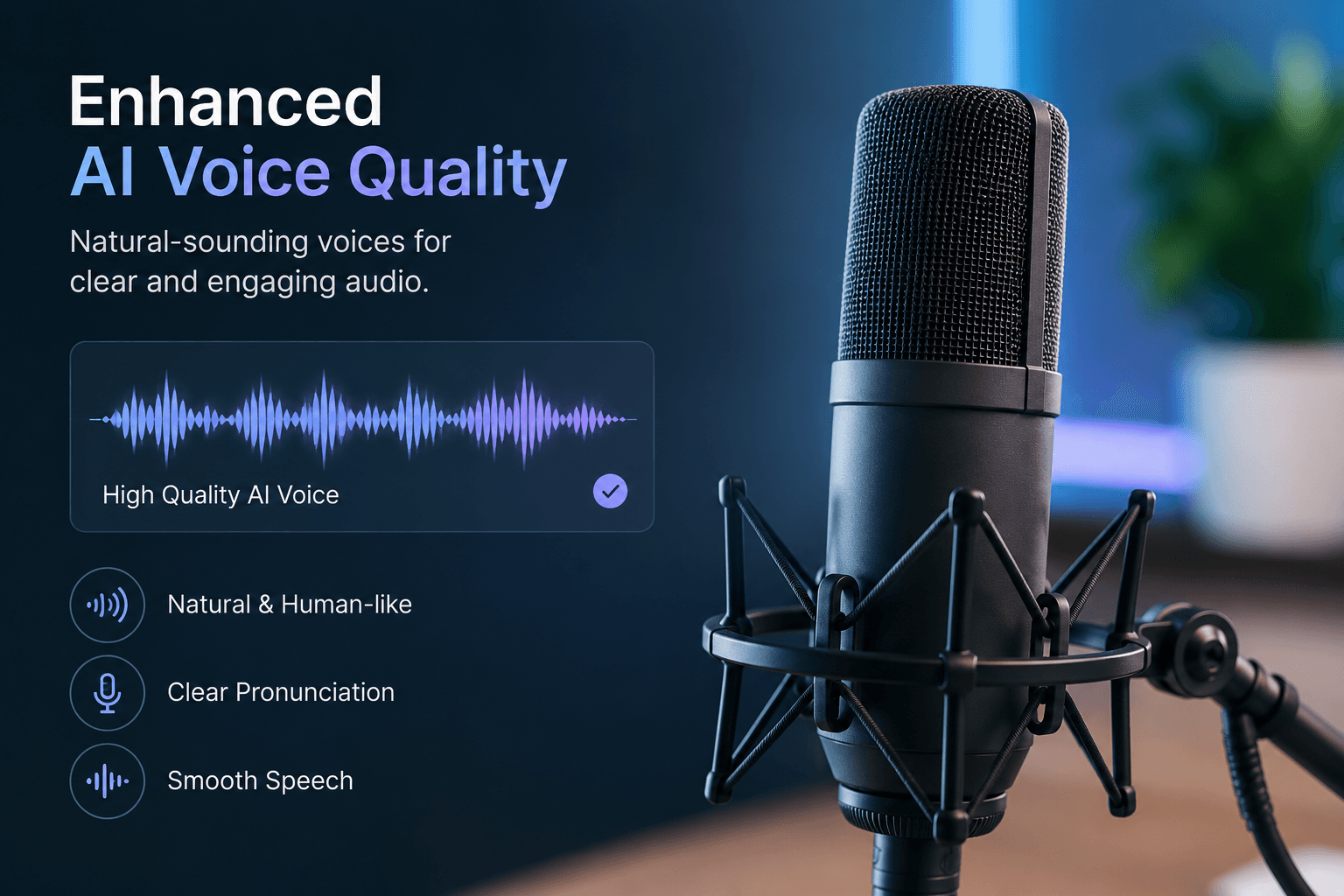
Enhanced AI Voice Quality
We've improved our text-to-speech engine to deliver more natural, human-like audio output. Users can now enjoy clearer pronunciation, smoother speech patterns, and a better listening experience when converting TXT files into MP3 audio.
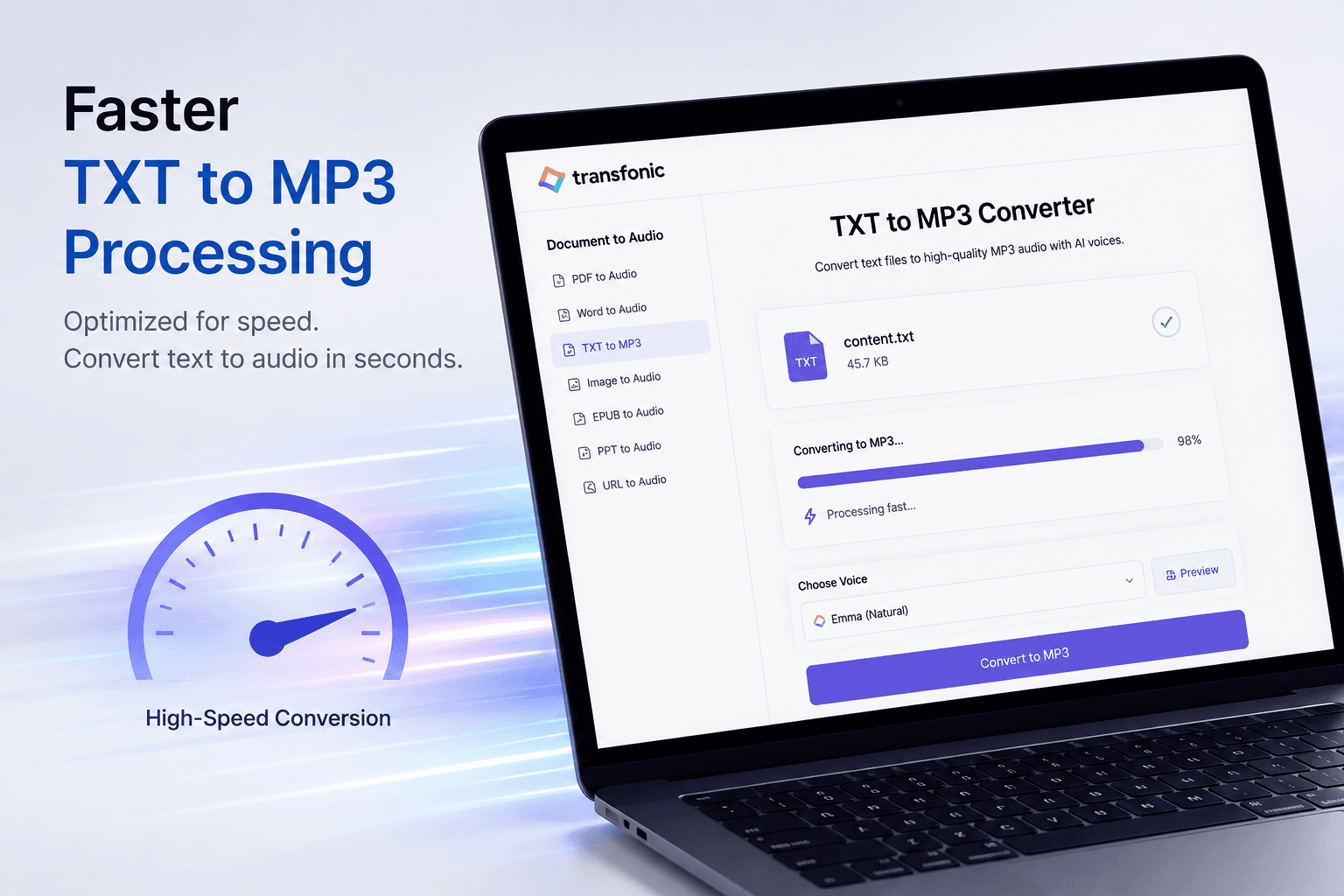
Faster TXT to MP3 Processing
The conversion engine has been optimized to process TXT files more efficiently. Documents are now converted into MP3 audio faster, reducing wait times and improving productivity for users working with large text files.
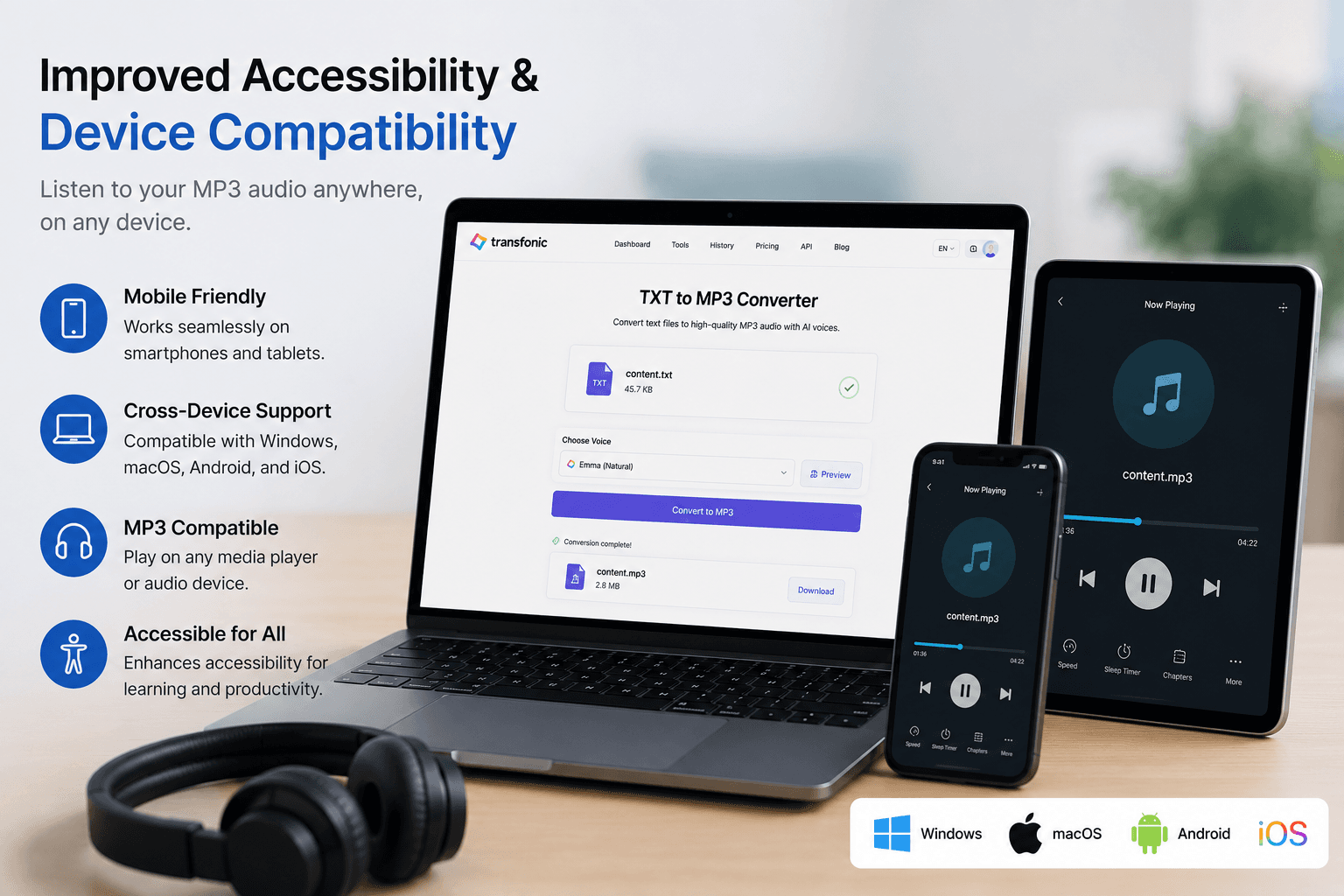
Improved Accessibility & Device Compatibility
Generated MP3 files are fully compatible with smartphones, tablets, laptops, and media players. This update makes it easier than ever to listen to converted text content across different devices, supporting learning, accessibility, and on-the-go productivity.
Key Features
TXT File to MP3 Conversion
Convert plain text documents into downloadable MP3 audio files.
Fast Processing Speed
Create MP3 audio files quickly, even for lengthy text documents.
Multiple Device Support
Access and use generated MP3 files across desktop and mobile devices.
AI Text-to-Speech Engine
Generate natural and easy-to-understand audio using advanced speech synthesis.
High-Quality Audio Output
Produce clear and professional-sounding audio suitable for personal and business use.
Simple Web-Based Interface
Upload, convert, and download audio files through an intuitive online platform.
Core Use Cases
Convert Study Notes to Audio
Students can transform textbooks, notes, and learning materials into MP3 files for convenient listening and revision.
Listen to Articles on the Go
Convert blog posts, research papers, and articles into audio for hands-free consumption while traveling or exercising.
Create Audio Versions of Documents
Generate spoken versions of reports, manuals, and business documents for easier review and accessibility.
Support Accessibility Needs
Help users with visual impairments or reading challenges access written information through audio.
Transform Ebooks into Audio
Convert TXT-based ebooks and digital publications into MP3 files for audiobook-style listening.
Repurpose Written Content
Content creators can turn scripts, articles, and written materials into audio content for broader audience engagement.