
Transfonic – Free Online File Converter and Processing Tools
A browser-based platform for converting, editing, and processing documents, images, audio, video, and PDFs.
“Transfonic is a free online file conversion and processing platform that helps users work with documents, PDFs, images, audio, video, OCR, formatting, and other digital tools directly from a browser.”
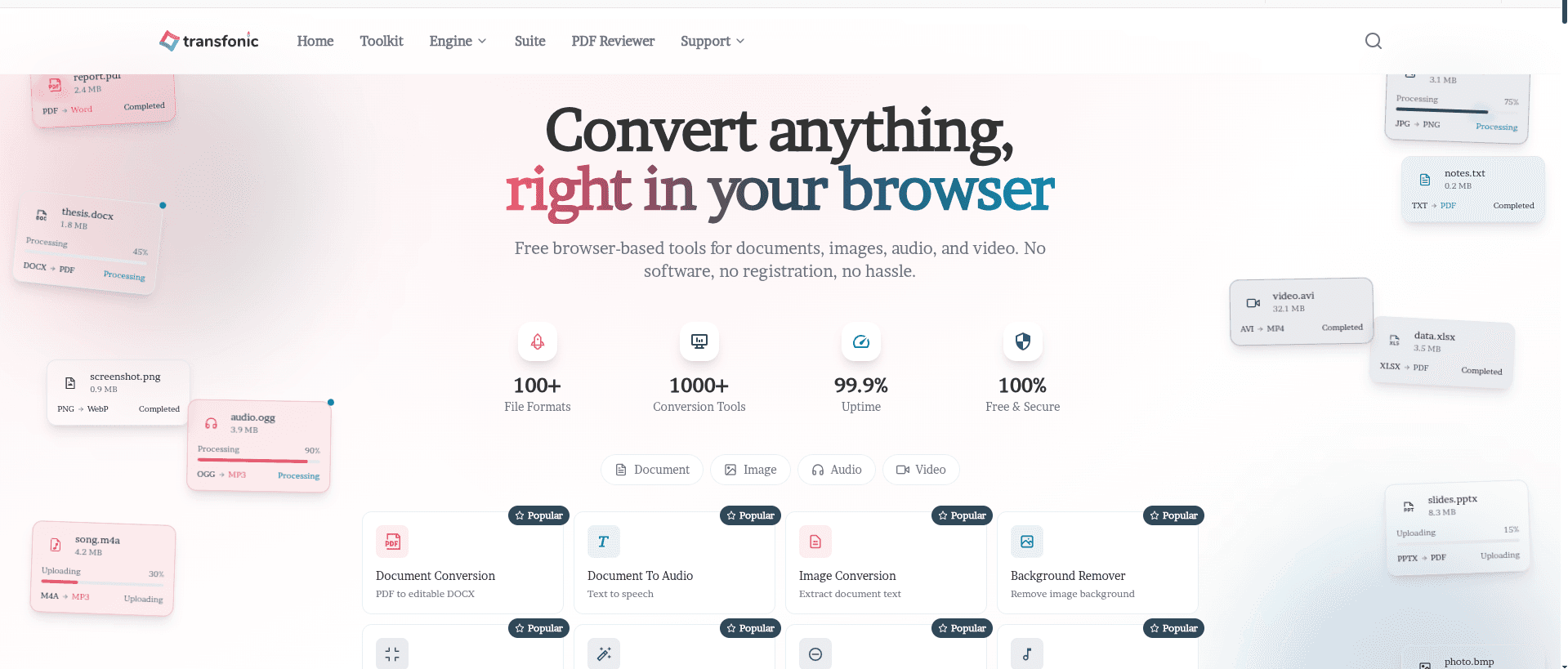
Transfonic is a free online file conversion and processing platform built for users who need quick, simple, and accessible digital tools from one place. The website focuses on browser-based file management, allowing users to convert, edit, compress, extract, format, and process different types of files without installing software or creating an account. Its main purpose is to make everyday file tasks easier for students, office workers, freelancers, developers, content creators, and general users.
The platform covers a wide range of file categories, including documents, PDFs, images, audio, video, formatting tools, and creative utilities. Transfonic organizes its tools into different sections such as Document Engine, Image Engine, Audio Engine, Video Engine, Studio Engine, Formatter Engine, Distinct Engine, and PDF Engine. This structure makes the website feel like an all-in-one toolkit rather than a single-purpose converter.
For document-related tasks, Transfonic includes tools for document conversion, document extraction, document-to-audio, document-to-image, and document-to-OCR processing. These tools are useful for converting files into more accessible formats, extracting readable content, turning written documents into speech, and making scanned or image-based documents searchable and editable.
The image tools on Transfonic are designed for both conversion and enhancement. Users can find features for image conversion, compression, cropping, resizing, background removal, upscaling, enhancement, image-to-text extraction, image colorization, vector conversion, color extraction, and image-to-document conversion. These tools make the website useful for design, publishing, content creation, social media preparation, and everyday image editing needs.
Transfonic also provides audio and video processing tools. Its audio section includes audio conversion, compression, noise reduction, and audio-to-text transcription. These tools support users who work with recordings, podcasts, interviews, lectures, or voice notes. The video section focuses on video conversion, helping users change video formats for better compatibility across platforms and devices.
Another important part of the website is its Studio section. This area includes creative and utility tools such as an image editor, audio recorder, image-to-ASCII converter, QR code generator, QR code scanner, barcode generator, barcode scanner, audio editor, screen recorder, and favicon generator. These features expand Transfonic beyond basic conversion and make it useful for small digital projects, web work, media preparation, and quick creative tasks.
The Formatter section is aimed at text and data handling. It includes tools such as JSON formatter, XML formatter, text counter, case converter, extra space remover, text comparison tool, lorem ipsum generator, and UUID generator. This makes the platform especially helpful for developers, writers, editors, and users who need to clean, format, or prepare text-based content.
Transfonic also includes a PDF Reviewer and PDF toolset for editing and managing PDF files. Available PDF-related functions include highlighting, adding signatures, inserting images, adding text, drawing on pages, reordering pages, deleting pages, rotating pages, merging PDFs, splitting PDFs, extracting pages, adding watermarks, adding page numbers, filling forms, and searching inside PDF documents. These features make the website suitable for users who regularly handle digital documents and need quick PDF adjustments.
The website promotes a simple workflow based on uploading a file, choosing an output format or setting, and downloading the processed result. It highlights support for many file formats, cloud-based processing, secure handling, batch processing, optimized compression, and fast conversion. Transfonic also emphasizes privacy and security, stating that files are processed securely and removed after conversion.
Overall, Transfonic is positioned as a broad online toolkit for file conversion, document handling, PDF editing, image processing, audio tools, video conversion, OCR, formatting, and creative utilities. Its main value is convenience: users can access many different tools from a single website and complete common file-related tasks directly in the browser. This makes Transfonic a practical resource for anyone who needs fast, free, and easy-to-use online tools for managing digital files.
Key Benefits
All-in-One File Workspace
Transfonic brings document, image, audio, video, PDF, OCR, and formatting tools into one browser-based platform, reducing the need to use multiple separate websites or apps.
Faster File Processing
The platform helps users complete common file tasks quickly, such as converting formats, compressing media, extracting text, editing PDFs, and formatting data.
No Software Installation Required
Users can access Transfonic directly from their browser, making it convenient for quick file conversion and processing without downloading extra software.
Supports Everyday Digital Tasks
From PDF editing to OCR text extraction, image resizing, audio transcription, and QR code generation, the website supports a wide range of practical online workflows.
Useful for Different User Types
Transfonic is suitable for students, professionals, developers, creators, office workers, and general users who need simple online tools for file management.
Simple and Accessible Experience
The website is designed around easy access, allowing users to choose a tool, process a file, and download the result with a straightforward workflow.
What's New in this Release
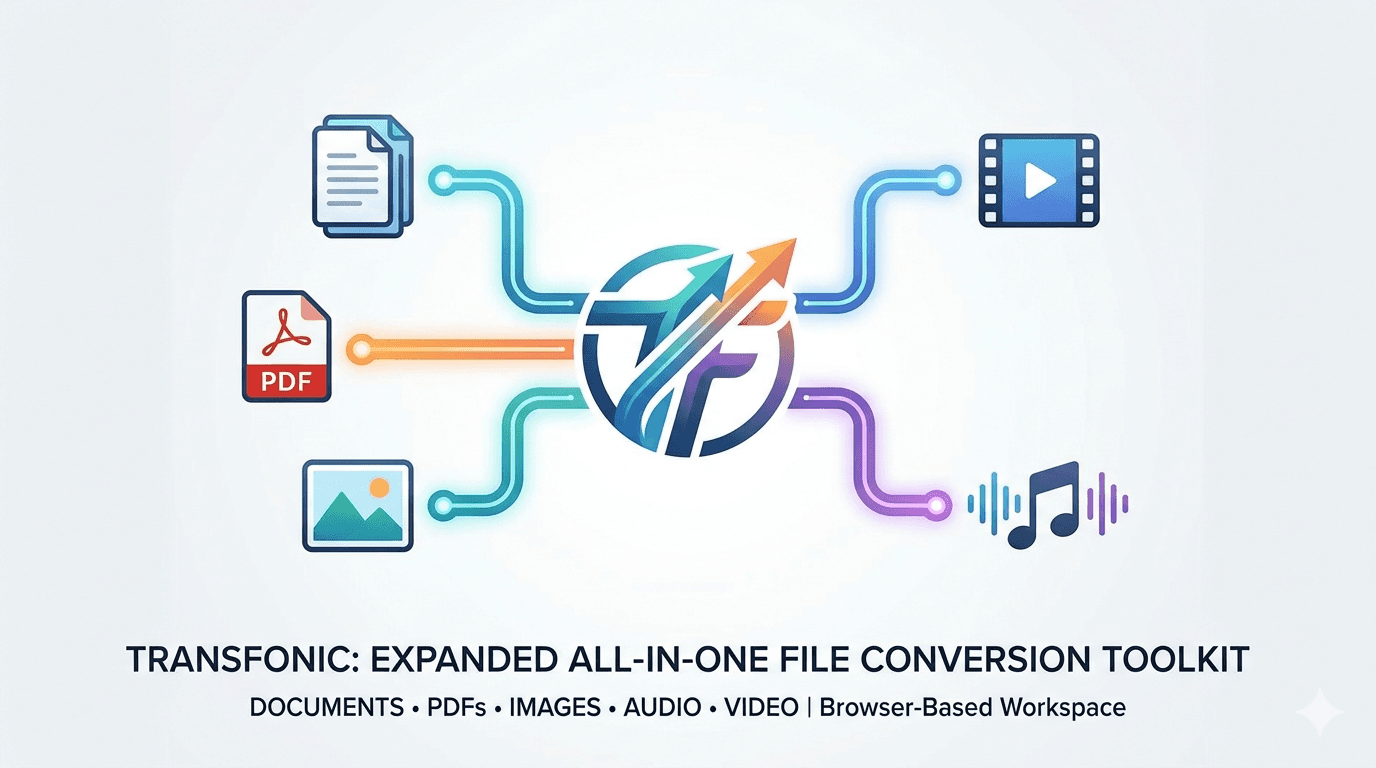
Expanded File Conversion Toolkit
Transfonic offers a wide collection of online conversion tools for documents, PDFs, images, audio, and video files. This release highlights the platform’s all-in-one approach, making it easier for users to manage different file types from one browser-based workspace.
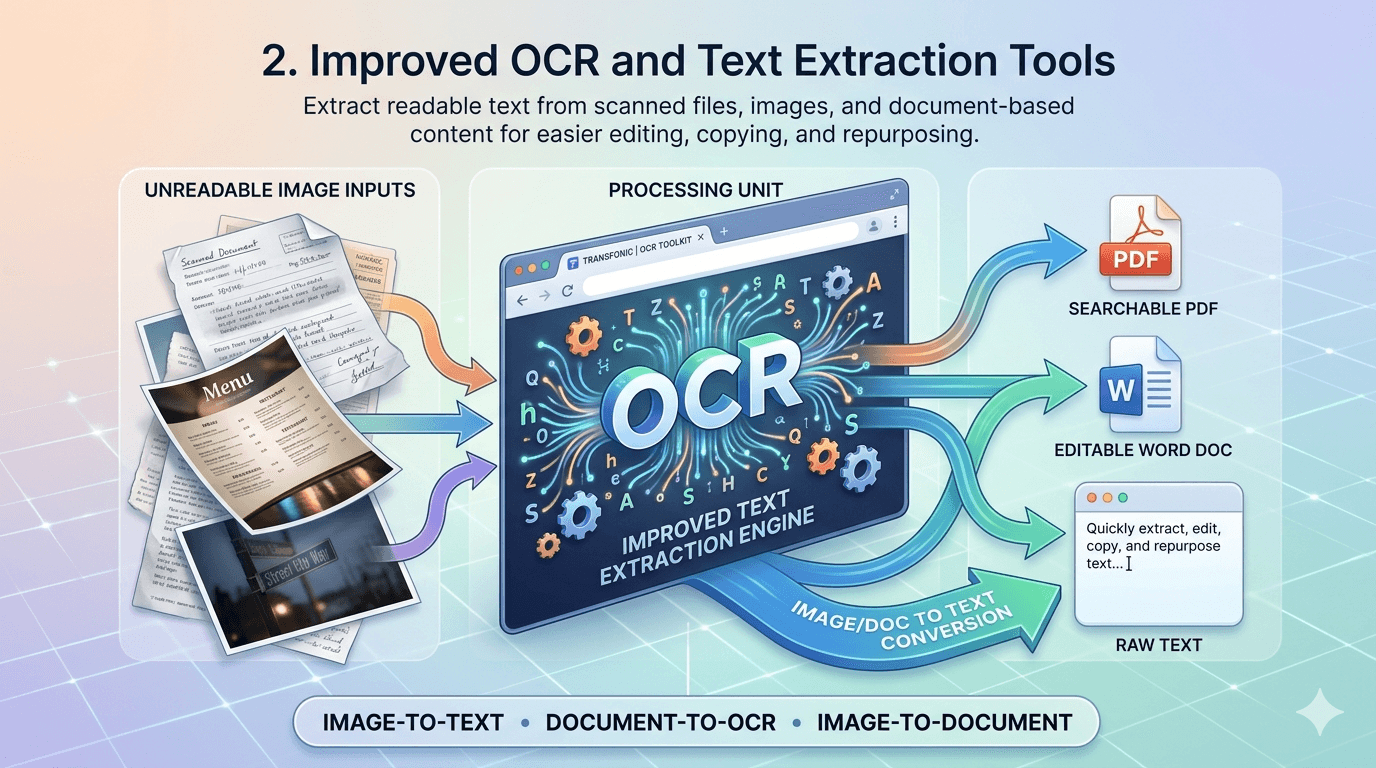
Improved OCR and Text Extraction Tools
The website includes OCR-focused features such as image-to-text, document-to-OCR, and image-to-document conversion. These tools help users extract readable text from scanned files, images, and document-based content for easier editing, copying, and repurposing.
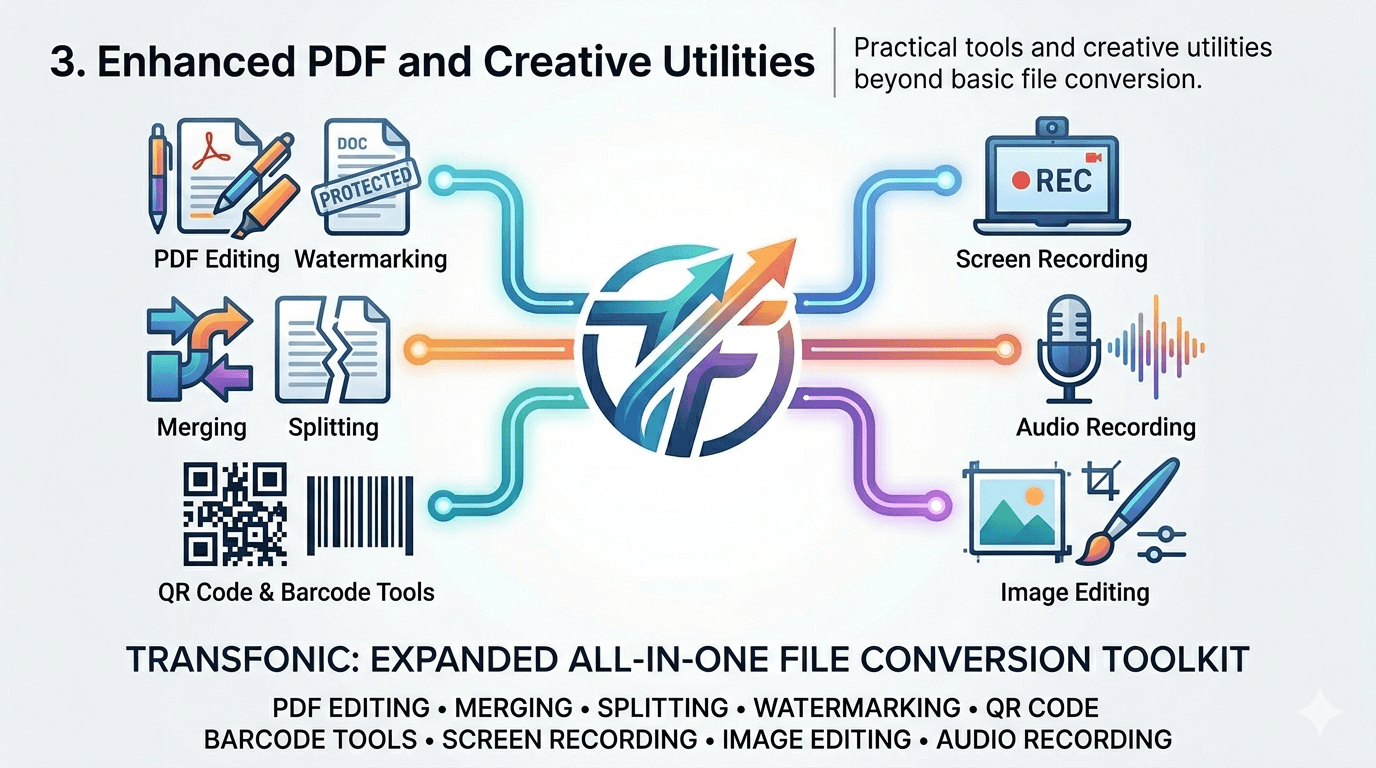
Enhanced PDF and Creative Utilities
Transfonic includes practical PDF tools and creative utilities such as PDF editing, merging, splitting, watermarking, QR code generation, barcode tools, screen recording, image editing, and audio recording. These features make the platform useful beyond basic file conversion.
Key Features
File Conversion Tools
Convert documents, images, audio, and video files between popular formats for better compatibility and sharing.
OCR Text Extraction
Extract readable text from scanned documents and images using OCR tools such as image-to-text and document-to-OCR.
PDF Editing and Management
Edit, merge, split, rotate, reorder, watermark, sign, and organize PDF files directly through online PDF tools.
Image Processing Tools
Resize, compress, crop, enhance, upscale, remove backgrounds, extract colors, and convert images into different formats.
Audio and Video Utilities
Convert, compress, clean, record, transcribe, and process audio and video files for media, content, and productivity needs.
Formatter and Utility Tools
Use JSON formatter, XML formatter, text counter, case converter, UUID generator, QR code tools, barcode tools, and other helpful utilities.
Core Use Cases
Converting Files for Sharing
Users can convert documents, images, audio, and video files into formats that are easier to open, send, upload, or publish.
Extracting Text from Images
OCR tools help users turn scanned pages, screenshots, or image-based documents into editable and searchable text.
Managing PDF Documents
Transfonic can be used to edit, merge, split, sign, watermark, rotate, and organize PDFs for school, work, or business tasks.
Preparing Images for Web and Social Media
Users can resize, compress, crop, enhance, remove backgrounds, or convert images for websites, social platforms, and presentations.
Formatting Text and Developer Data
Developers, writers, and editors can use formatting tools to clean text, format JSON or XML, compare content, generate UUIDs, and prepare structured data.
Processing Audio and Video Content
The platform supports media workflows such as converting audio, compressing files, reducing noise, recording audio, transcribing speech, and converting video.