
DOCX Conversion – Convert DOCX Files to Multiple Formats Online
Transform DOCX documents into PDF, HTML, TXT, ODT, and more with fast, secure, and reliable online conversion.
“Convert DOCX files quickly and securely into multiple formats with Transfonic. Whether you need PDF, HTML, TXT, ODT, or other document formats, our DOCX Conversion tool delivers accurate results while preserving formatting and document structure.”
DOCX is one of the most widely used document formats for creating and sharing text-based files. However, there are many situations where you may need to convert a DOCX file into another format for compatibility, publishing, collaboration, or archiving purposes. Transfonic's DOCX Conversion tool makes this process simple, fast, and reliable.
Our platform allows users to convert DOCX files into multiple popular formats, including PDF, HTML, TXT, ODT, and more. Whether you're a student preparing assignments, a business professional sharing reports, a developer publishing content online, or an organization managing digital documents, our conversion tool helps streamline your workflow.
One of the biggest challenges with document conversion is maintaining the original formatting. Tables, headings, lists, images, and document layouts can often become distorted during conversion. Transfonic is designed to preserve the structure and appearance of your documents as accurately as possible, ensuring professional-quality results every time.
Security is another key priority. Uploaded files are processed securely, helping protect sensitive business and personal information. Users can confidently convert documents without worrying about unauthorized access or data exposure.
The DOCX Conversion tool is entirely web-based, eliminating the need for software installation or complicated setup procedures. Simply upload your DOCX file, select your preferred output format, and download the converted document within moments. This makes the tool accessible from desktops, laptops, tablets, and mobile devices.
Businesses often use DOCX conversion for document sharing, website publishing, record management, and cross-platform collaboration. Developers frequently convert DOCX files into HTML for web applications, while students and educators may convert documents into PDF for easier distribution and printing. The flexibility of multiple output formats ensures that users can choose the option that best suits their needs.
Transfonic focuses on providing a user-friendly experience with fast processing speeds and dependable results. Whether you are converting a single file or handling documents regularly as part of your workflow, our DOCX Conversion solution helps save time and improve productivity.
Experience hassle-free document conversion with Transfonic and transform your DOCX files into the formats you need quickly, securely, and accurately.
Key Benefits
Fast Multi-Format Conversion
Convert DOCX files into PDF, HTML, TXT, ODT, and other formats within seconds, helping users save time and improve productivity.
Preserve Original Formatting
Maintain document structure, headings, tables, images, fonts, and layouts to ensure professional-quality output after conversion.
Secure File Processing
Advanced security measures protect uploaded files during conversion, helping keep sensitive business and personal documents safe.
Cross-Platform Compatibility
Use the DOCX conversion tool seamlessly on desktops, laptops, tablets, and mobile devices from anywhere.
Reliable Conversion Results
Benefit from accurate document rendering and dependable output quality suitable for business, academic, and personal use.
No Software Installation Required
Access the conversion tool directly from your browser without downloading or installing additional applications.
What's New in this Release
Multi-Format DOCX Conversion
Convert DOCX documents into multiple formats including PDF, HTML, TXT, and ODT. The enhanced conversion engine ensures accurate formatting retention, making document sharing and publishing easier across different platforms and devices.
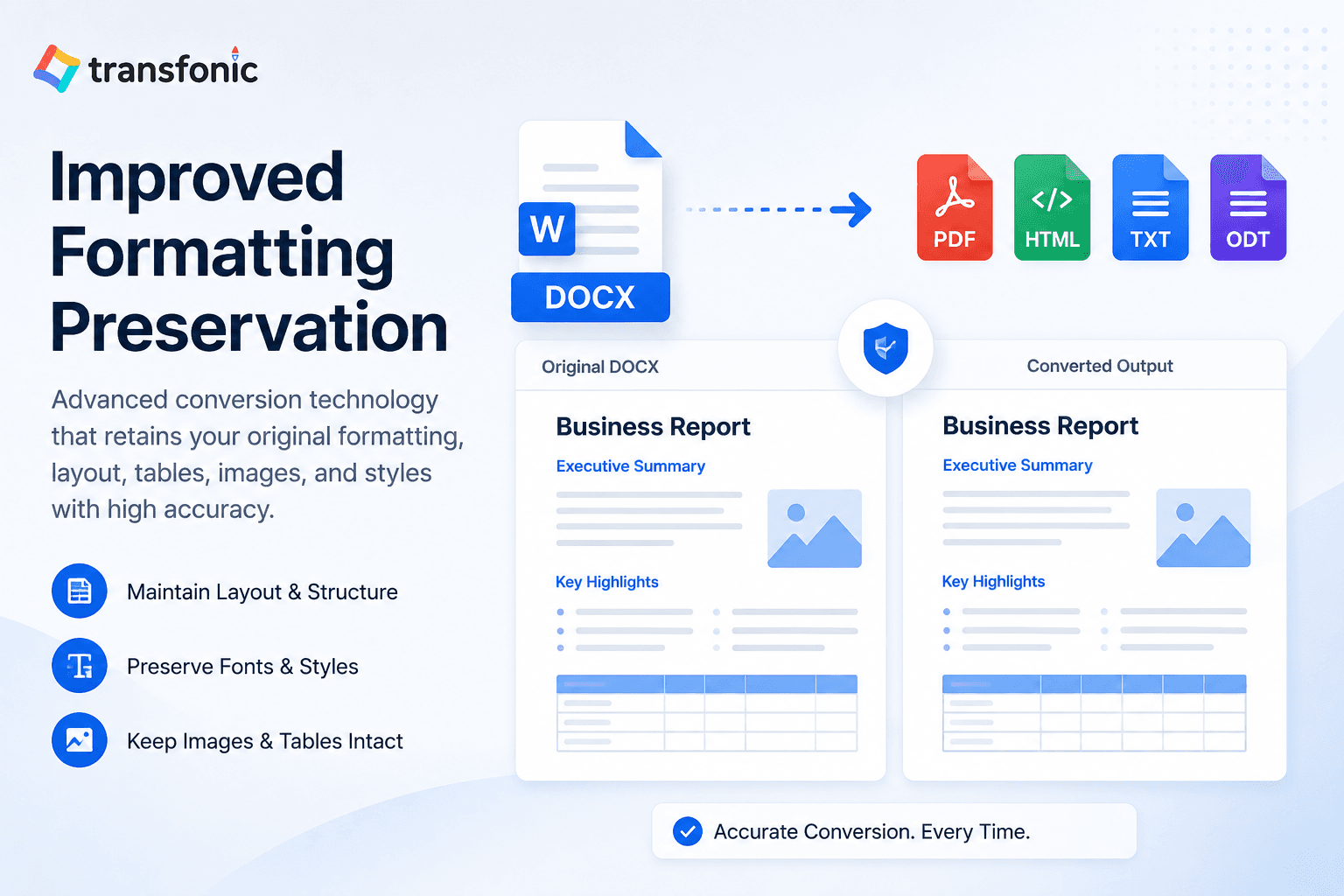
Improved Formatting Preservation
Our latest update improves the preservation of headings, tables, lists, images, and page layouts during conversion. Users can expect professional-quality output that closely matches the original DOCX document structure.
Faster & Secure Processing
Experience faster document processing with optimized conversion performance. Enhanced security measures help protect uploaded files throughout the conversion process, ensuring a reliable and safe user experience.
Key Features
Multi-Format Output Support
Convert DOCX files into PDF, HTML, TXT, ODT, and other commonly used document formats.
Formatting Preservation Engine
Retains document layouts, images, tables, and text formatting throughout the conversion process.
High-Speed Processing
Optimized conversion technology delivers fast results without sacrificing accuracy.
Secure Cloud-Based Conversion
Files are processed securely using protected systems designed to safeguard user data.
Browser-Based Accessibility
Convert documents directly online without requiring software downloads or installations.
User-Friendly Interface
Simple upload, convert, and download workflow designed for users of all experience levels.
Core Use Cases
Business Document Sharing
Convert DOCX reports, proposals, and presentations into PDF for secure distribution and professional presentation.
Website Content Publishing
Transform DOCX documents into HTML format for easy publishing on websites and content management systems.
Academic File Distribution
Students and educators can convert assignments, research papers, and study materials into accessible formats.
Digital Archiving
Store documents in alternative formats such as PDF or TXT for long-term record management and preservation.
Cross-Platform Collaboration
Share documents with users working on different software platforms and operating systems without compatibility issues.
Content Extraction & Repurposing
Convert DOCX files into editable formats that make it easier to reuse content for blogs, websites, reports, and publications.