
Document Conversion Tool – Convert Files Between PDF, Word, Excel & More | Transfonic
Fast, Secure, and Accurate Document Conversion for Modern Workflows
“Transform your files effortlessly with Transfonic's Document Conversion Tool. Convert PDFs, Word documents, Excel spreadsheets, PowerPoint presentations, and other file formats quickly and securely without compromising quality. Designed for businesses, professionals, and everyday users, our platform simplifies document transformation, improves compatibility across systems, and saves valuable time. Whether you need editable documents, shareable PDFs, or standardized file formats, Transfonic delivers fast, accurate, and reliable conversions for modern digital workflows.”
In today's digital environment, businesses and individuals work with multiple document formats every day. From PDFs and Word documents to Excel spreadsheets and PowerPoint presentations, file compatibility can often become a challenge. Different operating systems, software versions, and collaboration requirements make document conversion an essential part of modern workflows. Transfonic's Document Conversion Tool is designed to solve these challenges by providing a fast, secure, and reliable way to transform files between popular formats.
Document conversion is more than simply changing a file extension. It involves preserving formatting, maintaining document structure, and ensuring that text, images, tables, and other elements remain intact after conversion. High-quality conversion technology reduces the need for manual editing and helps users maintain productivity without worrying about formatting issues or data loss.
Professionals frequently need to convert PDFs into editable Word documents for revisions, transform Word files into PDFs for secure sharing, or convert spreadsheets into formats compatible with different software applications. Educational institutions, corporate teams, legal firms, and marketing agencies all rely on efficient document conversion to improve collaboration and streamline information exchange.
Transfonic's platform supports multiple document formats and provides an intuitive user experience that makes file transformation simple for users of all technical backgrounds. Instead of installing complex software or spending time manually recreating documents, users can quickly upload their files, select the desired output format, and receive high-quality converted documents within moments.
Security is another critical factor in document conversion. Many documents contain sensitive business information, financial records, contracts, or personal data. Transfonic prioritizes data protection by implementing secure processing methods that ensure user files remain protected throughout the conversion process. This allows businesses and professionals to confidently convert important documents without compromising privacy.
Accuracy and efficiency are equally important in modern digital workflows. Poorly converted documents often require extensive corrections, resulting in wasted time and reduced productivity. By maintaining document integrity and delivering reliable output, Transfonic helps organizations minimize disruptions and focus on their core activities.
As digital transformation continues to accelerate, document conversion has become an essential productivity tool rather than a convenience feature. Organizations increasingly depend on seamless file compatibility to support remote work, cross-platform collaboration, and efficient information sharing. A reliable conversion solution enables teams to work more effectively while reducing technical barriers that can slow communication and decision-making.
Transfonic's Document Conversion Tool is built to meet the evolving needs of businesses, professionals, and everyday users by providing secure, accurate, and efficient file transformation capabilities. Whether converting documents for collaboration, archiving, editing, or sharing, our platform empowers users to manage their digital documents with confidence and efficiency, creating a smoother and more productive document management experience.
Key Benefits
Convert PDFs into Editable Documents
Transform PDF files into editable Word documents for revisions, collaboration, and content updates.
Create Shareable PDF Documents
Convert Word, Excel, or PowerPoint files into PDFs for secure sharing and consistent formatting.
Standardize Business Documents
Convert documents into compatible formats to improve communication between teams, clients, and external partners.
Archive and Store Files
Transform files into long-term storage formats that are easy to access, manage, and preserve.
Prepare Documents for Cross-Platform Collaboration
Ensure documents are compatible across different software environments and devices for seamless teamwork.
Streamline Administrative Workflows
Reduce manual document handling by automating file conversion processes for reports, contracts, presentations, and operational documents.
What's New in this Release
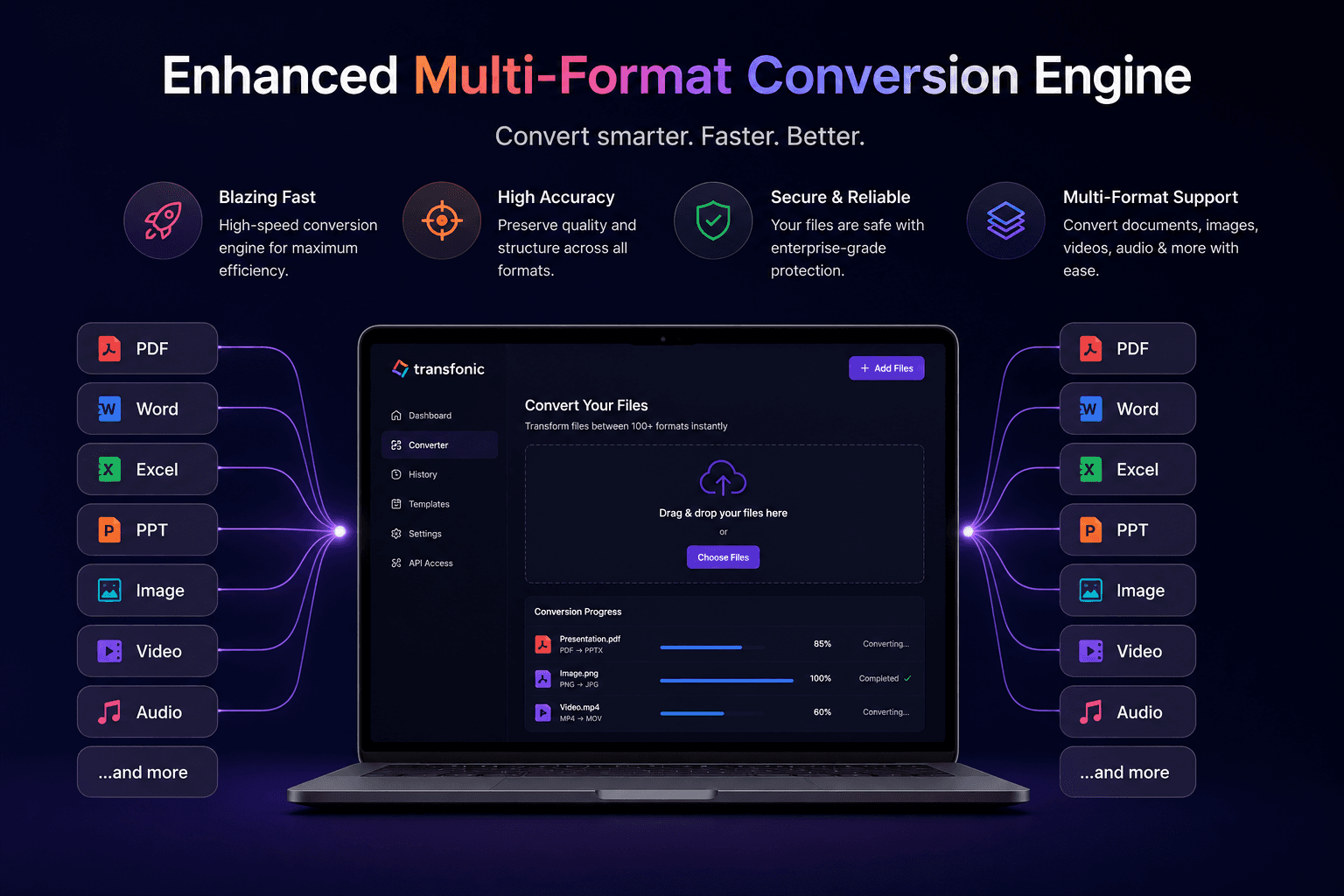
Enhanced Multi-Format Conversion Engine
We've upgraded our document conversion engine to support a wider range of file formats, including PDF, DOCX, XLSX, PPTX, TXT, and image-based documents. The improved processing system preserves formatting, tables, images, and layouts more accurately than before, reducing the need for manual corrections after conversion. Whether you're converting business reports, contracts, presentations, or spreadsheets, the new engine delivers faster processing and higher-quality output for professional workflows.
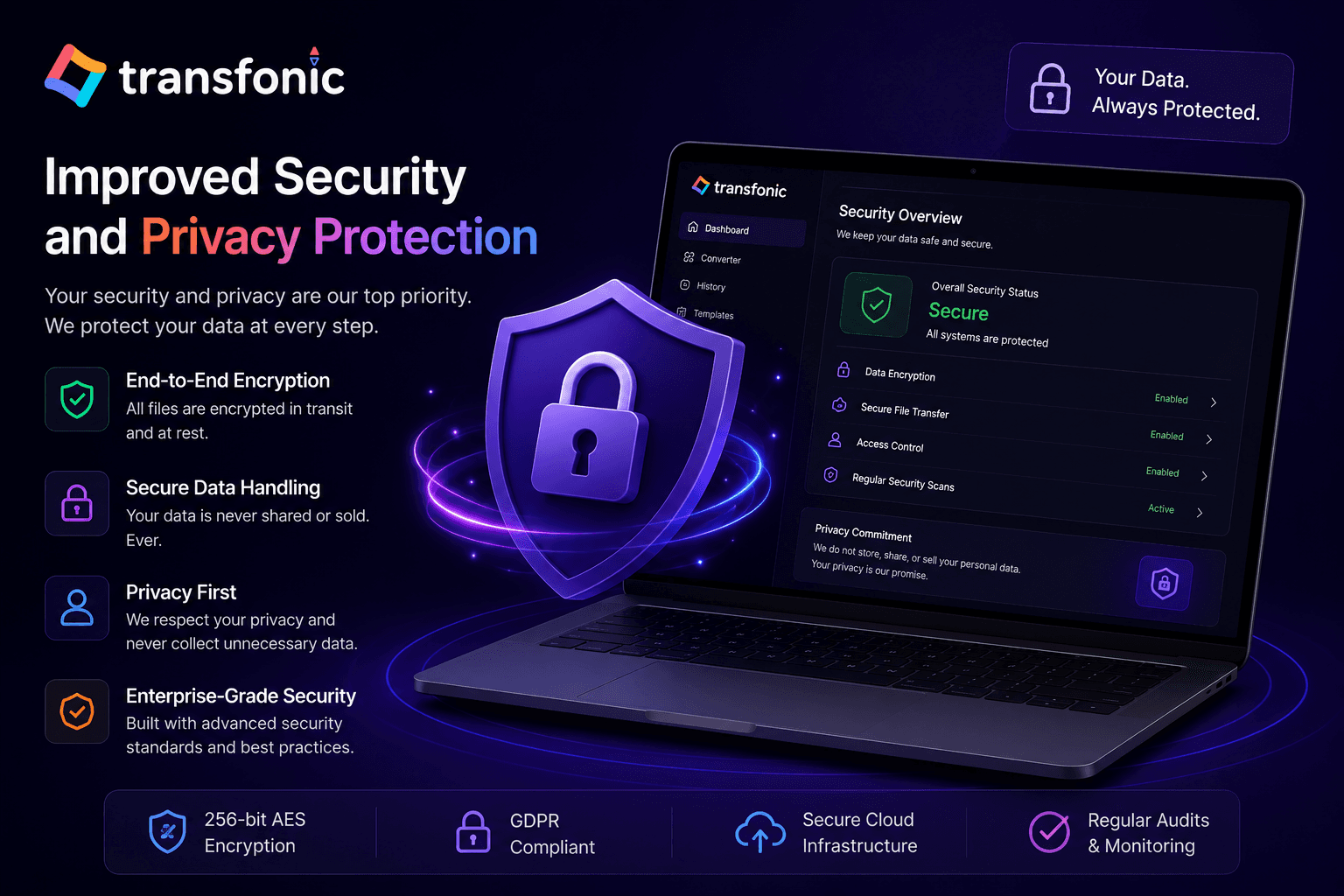
Improved Security and Privacy Protection
Security is a top priority for document management. Our latest update introduces enhanced encryption and secure file handling procedures to protect sensitive business documents and personal information during the conversion process. Files are processed through secure channels and automatically managed to minimize data exposure risks. This update provides businesses, legal professionals, and enterprise users with greater confidence when converting confidential documents online.
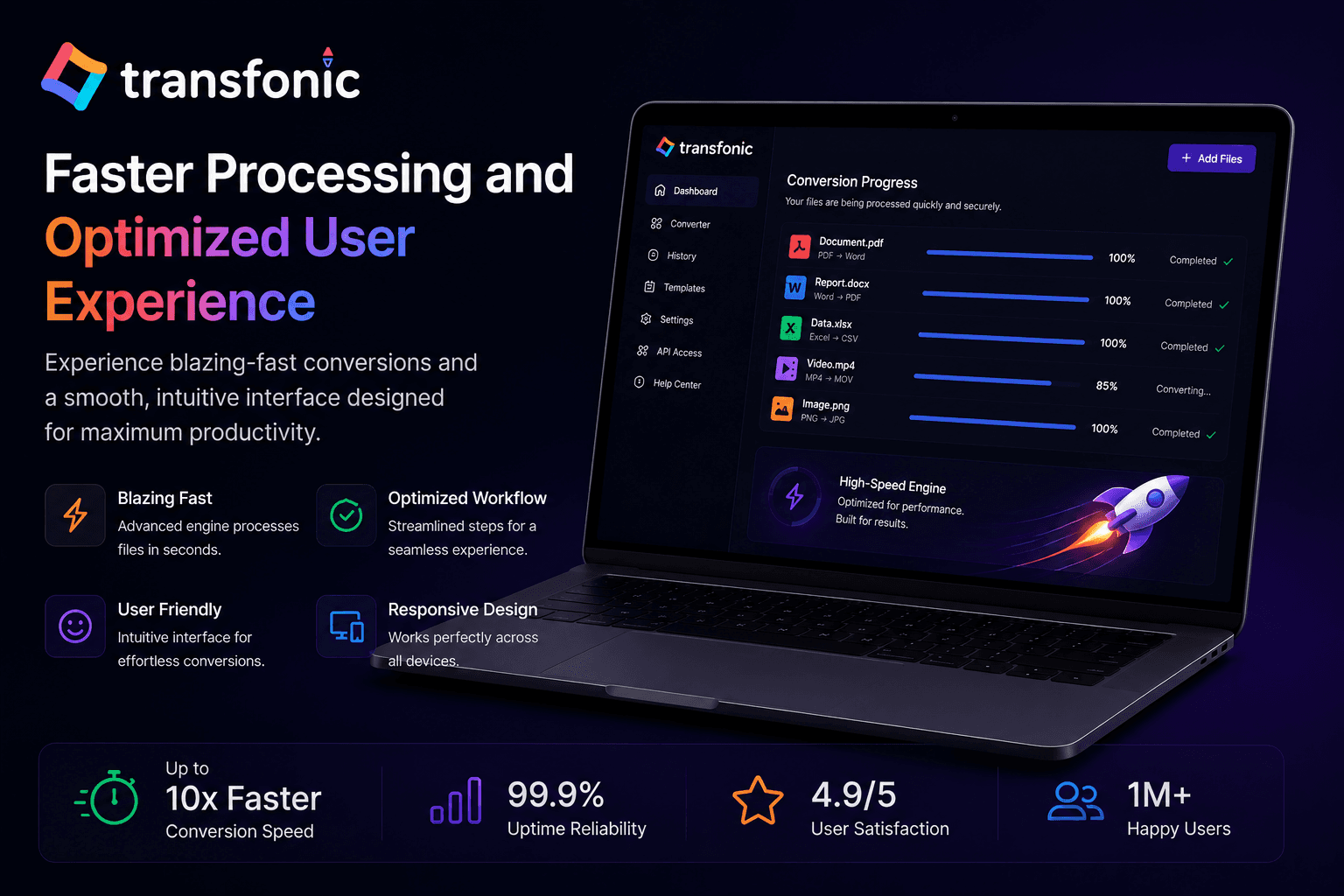
Faster Processing and Optimized User Experience
We've redesigned the document conversion workflow to make file transformation simpler and more efficient. Users can now upload files, select output formats, and receive converted documents more quickly through our optimized processing infrastructure. The improved interface offers better responsiveness, easier navigation, and reduced conversion times, enabling professionals and teams to manage document tasks more efficiently and maintain productivity across their digital workflows.
Key Features
Faster Document Processing
Description: Convert files between multiple formats within seconds using an optimized conversion engine that minimizes waiting time and increases productivity for individuals and businesses.
Preserve Original Formatting
Description: Maintain document layouts, fonts, images, tables, and structure during conversion, reducing the need for manual corrections and ensuring professional-quality output.
Secure File Handling
Description: Protect sensitive information with secure processing methods and privacy-focused workflows designed to safeguard documents throughout the conversion process.
Cross-Platform Compatibility
Description: Create files that work seamlessly across different operating systems, applications, and devices, improving collaboration and accessibility.
Simplified User Experience
Description: Enjoy an intuitive interface that allows users to upload, convert, and download files in just a few clicks without requiring technical expertise.
Enhanced Business Efficiency
Streamline document management workflows, reduce administrative tasks, and improve team productivity with reliable and high-quality file conversions.
Core Use Cases
Multi-Format File Conversion
Convert PDFs, Word documents, Excel spreadsheets, PowerPoint files, and other formats with high accuracy.
High-Quality Output
Preserve document integrity, formatting, images, and tables during every conversion.
Fast Processing Engine
Optimized infrastructure delivers rapid document conversion without sacrificing quality.
Secure Document Processing
iles are processed through secure systems designed to protect confidential and business-sensitive information.
Easy Drag-and-Drop Upload
Upload documents quickly with a simple and user-friendly interface for seamless file conversion.
Wide File Format Support
Support for numerous document types enables compatibility across diverse business and personal workflows.